Choose your sprint
Pick 5, 10, 20, or 30 minutes, or set a custom duration from 1 to 180 minutes. Pause and resume as needed. Add an optional word goal and see your progress during the sprint.
Cybersecurity / San Antonio, TX
A little time. A blank page.
A focused writing timer with gentle prompts, optional word goals, and a place to keep your drafts.
Download app (.html)Free · Works offline · 35 KB
Save the app on your computer, then open it in a modern desktop browser.
Drafts stay in this browser and do not sync. Use the app’s export button to keep a separate text copy.
Download → Open → Write: getting started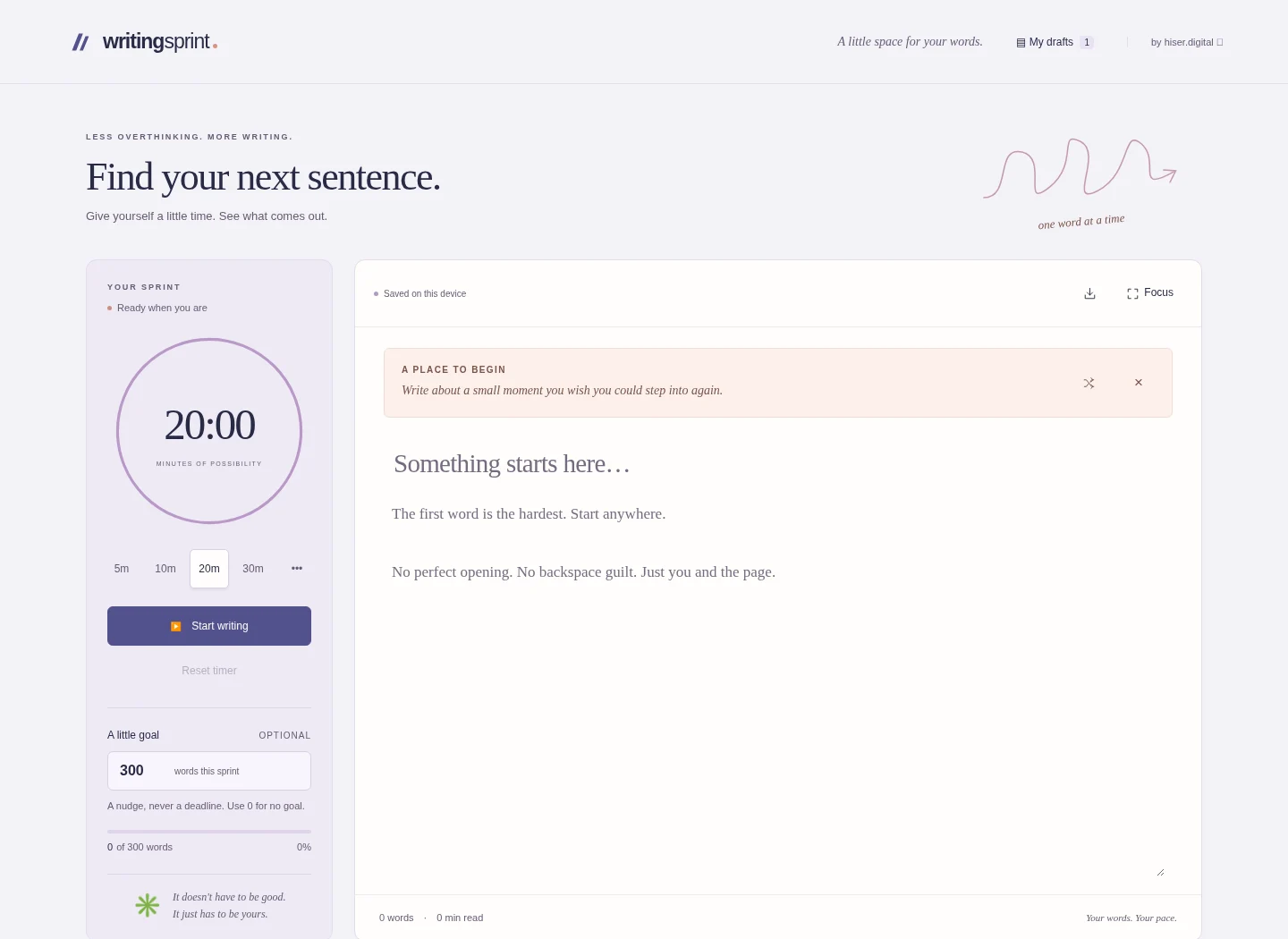
Drafts live in this browser, not the HTML file, and do not sync. Clearing browser data, private browsing, or moving the file can affect them. Keep the same browser and file location, and export writing you want to keep.
The app makes no network requests and has no analytics. To continue an exported text draft elsewhere, paste it into a new draft.
Pick 5, 10, 20, or 30 minutes, or set a custom duration from 1 to 180 minutes. Pause and resume as needed. Add an optional word goal and see your progress during the sprint.
Try one of 20 writing prompts, shuffle to another, or hide the prompt entirely. Focus mode clears the surrounding controls so you can settle into the page.
Create and switch between drafts, with automatic saving in your browser. See the word count and estimated reading time, then download the current draft as a plain-text file.
A little space for a story, a memory, or whatever’s on your mind.
Free · Single HTML file · 35 KB
Save the app, then open it in a desktop browser.